Living in Southern California, we enjoy lots of sunshine almost all year, but we don’t get much of the beautiful, colorful fall scenery you see in other places. That’s what inspired me to create a little fall magic using ChatGPT and my golden retrievers’ photos
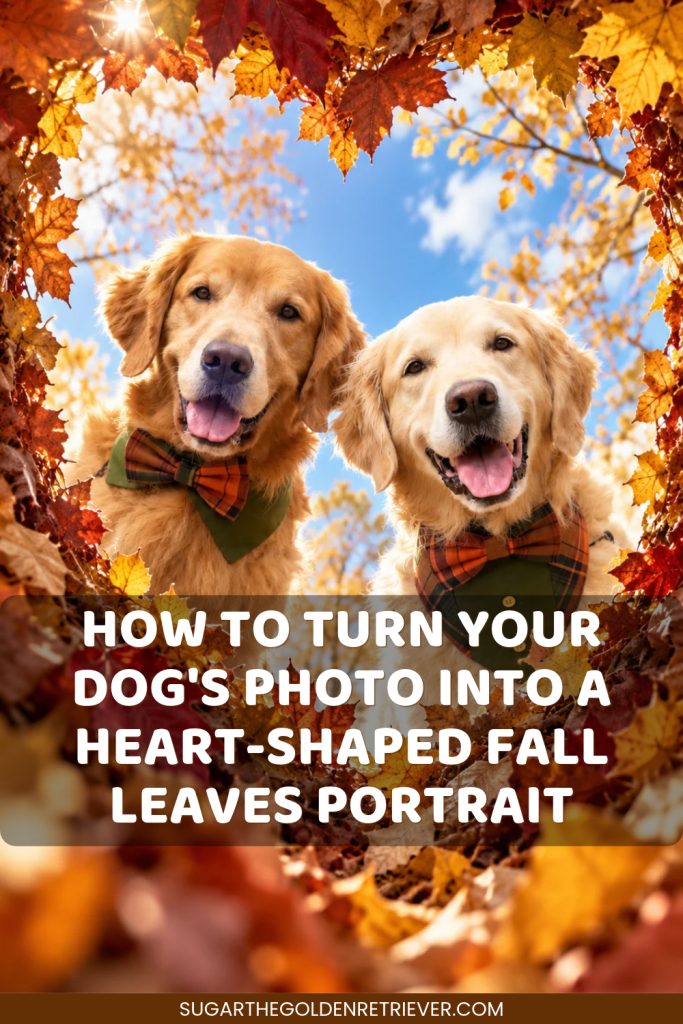
I uploaded a favorite photo of KB and KENZO and transformed it into a beautiful heart-shaped fall leaves portrait, surrounded by colorful autumn foliage, golden trees, a bright blue sky, and soft white clouds.
I loved how the photo turned out, so I decided to create individual fall portraits of each of my Goldens, too.
If you’re a dog parent who loves taking photos of your pup, here’s how you can turn your dog’s photo into a heart-shaped fall-leaves portrait using ChatGPT.
Steps to Turn Your Dog’s Photo Into a Heart-Shaped Fall Leaves Portrait
Step 1: Choose a Clear Photo of Your Dog
The most important part is choosing the right photo.
For the best results, upload a clear, high-quality photo where:
– Your dog’s face is fully visible and facing forward toward the camera.
– Your dog’s eyes, nose, and facial features are easy to see.
– The photo has good lighting and is not blurry.
– Your dog’s face is not hidden by objects or heavy shadows.
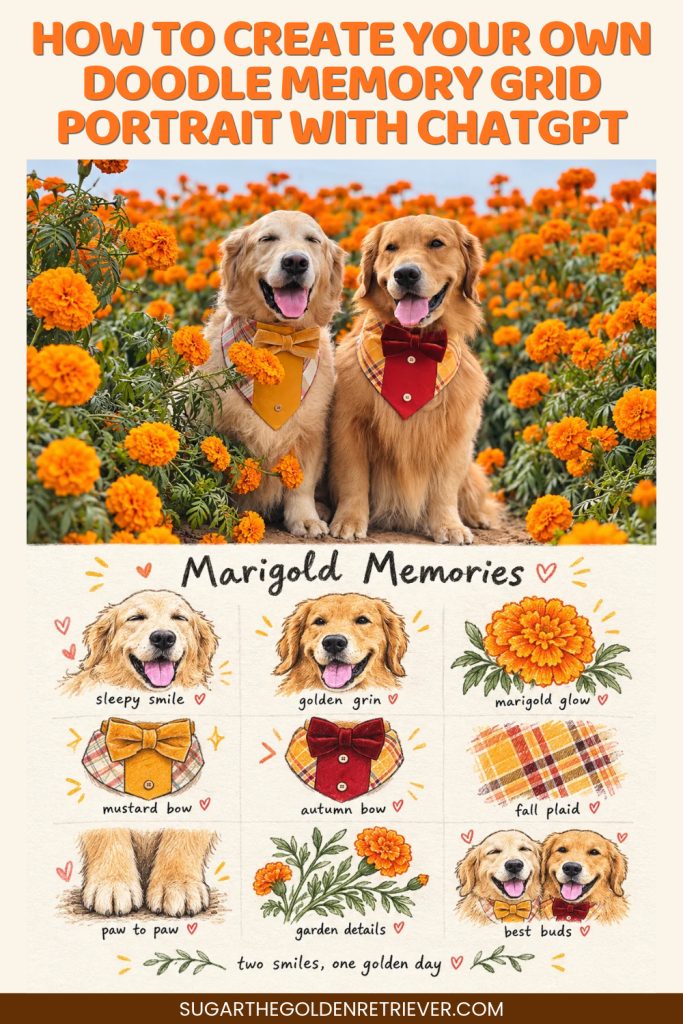
I used a photo of KB and KENZO wearing their Fall dog collar bandana, sitting together, and both facing forward with happy expressions.
If you’re using a photo of two or more dogs, make sure each dog’s face is clearly visible.
Step 2: Upload Your Dog’s Photo to ChatGPT
Open ChatGPT and upload your chosen dog photo.
Once your photo is attached, copy and paste the prompt below. ChatGPT will use your image as a reference to generate a new autumn portrait.
Copy and Paste This Fall Leaves Dog Portrait AI Prompt
AI Prompt:
Using the uploaded image, transform the dog or dogs into a beautiful, photorealistic autumn portrait viewed from below, as if the camera is inside a bed of fall leaves looking upward through a heart-shaped opening.
Preserve each dog’s authentic facial features, fur color, expression, body proportions, and recognizable appearance. Keep the dog looking natural, happy, and true to the original photo. Preserve any bow ties, bandanas, or collars.
Create a naturally formed heart-shaped opening made of layered autumn leaves in burgundy, copper, rust, burnt orange, golden yellow, warm brown, and soft amber. Include maple, oak, and birch leaves with realistic veins, curled edges, and overlapping textures.
Keep the heart shape clearly visible but slightly imperfect and organic. Add softly blurred foreground leaves to create depth.
Position the dog’s head and upper chest inside the heart-shaped opening, leaning slightly forward and looking down toward the camera with a joyful expression. If multiple dogs are in the photo, position them together naturally within the heart. Keep their faces in sharp focus.
Inside the heart opening, show a vivid blue autumn sky with soft, fluffy white clouds. Add delicate golden branches, wispy autumn treetops, and softly blurred seasonal plants in the background.
Use warm natural sunlight, realistic shadows, soft highlights, and gentle background bokeh.
The overall image should look like a high-resolution, professional autumn dog photograph with a cozy, whimsical, heartwarming feeling.
Aspect ratio: 9:16 vertical.
No text.
Can You Change the Image Size?
Yes! You can easily change the image size by editing the aspect ratio at the end of the prompt.
Here are a few options:
– 9:16 vertical: Great for Instagram Stories, Reels, and phone wallpapers.
– 4:5 vertical: Ideal for Instagram feed posts.
– 1:1 square: Great for square social media photos.
– 3:4 vertical: A nice option for portrait-style images.
Choose whichever format works best for you.
Can You Create Individual Dog Portraits From a Group Photo?
Absolutely! This is another fun way I used this prompt.
After creating a fall portrait featuring both KB and KENZO, I asked ChatGPT to create a separate image for each dog.
You can simply ask:
“Create a separate portrait of each dog from my uploaded photo. Keep the same heart-shaped autumn leaves design, but make each dog the only subject in their own image.”
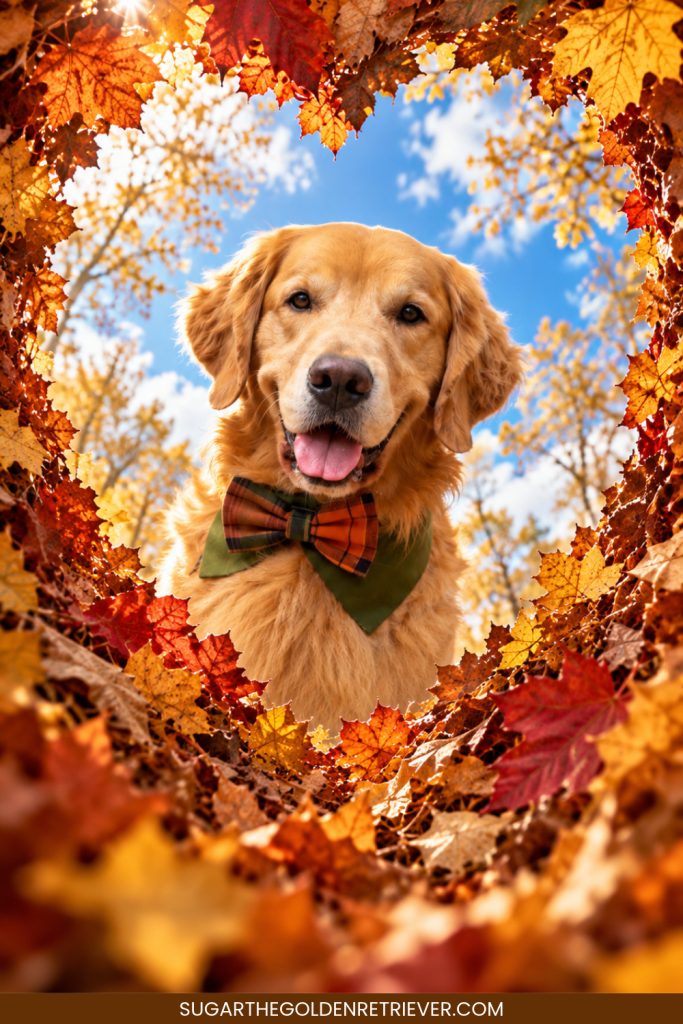
You can also specify which dog you want by saying “Use only the dog on the left” or “Use only the dog on the right.”
Just remember that AI-generated images may not always reproduce every facial detail perfectly. If something looks different, you can ask ChatGPT to adjust it using your original photo as a reference.

Try This Fall Leaves Photo Transformation With Your Dog
One of the things I enjoy most about using ChatGPT for dog photo transformations is seeing how an everyday photo can become something completely different.
I especially love this heart-shaped opening surrounded by colorful fall leaves. It’s such a sweet way to highlight your dog’s happy face while creating a fun fall-inspired image.
Give this prompt a try with your favorite dog photo. You can create one portrait, include multiple dogs, or make individual versions just like I did with KB and KENZO.
More AI Photo Transformations for Dog Lovers
Looking for more creative ways to transform your dog’s photos using ChatGPT?
Visit our AI for Dog Lovers Collection for more fun AI dog photo transformations, easy-to-follow tutorials, and copy-and-paste prompts you can try with your own dog photos.